You climb to the roof to see how much water is left.
You see the level on your phone and on the device screen, right away.
Tinajon Pro watches your tank's level and turns the pump on exactly when it's needed. Let it fill on its own, or from your phone wherever you are.
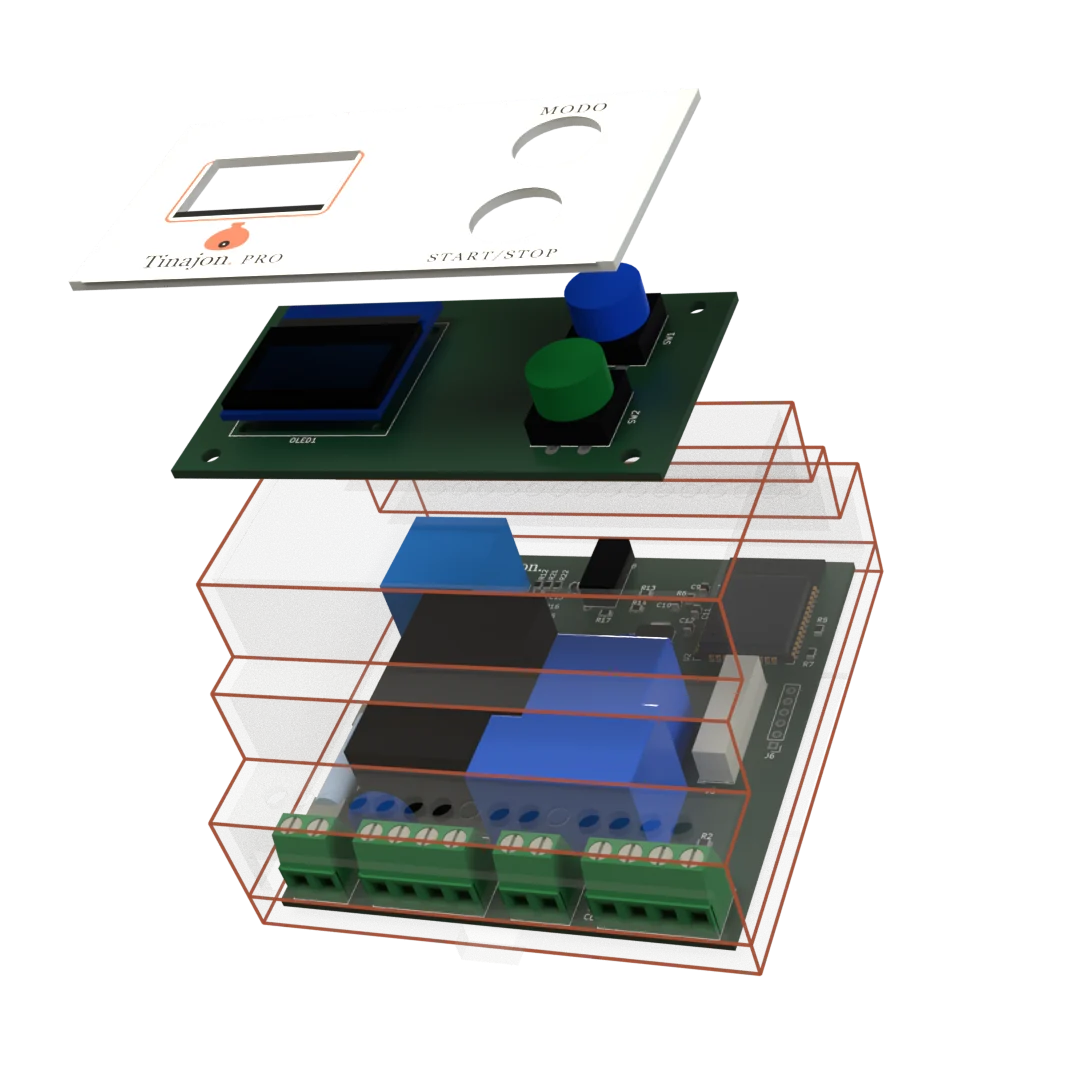
The usual problems with a home water pump, and how an automatic water level controller for the tank and cistern solves them.
You climb to the roof to see how much water is left.
You see the level on your phone and on the device screen, right away.
The tank overflows because the pump was left running.
In automatic and semi-automatic it stops on its own when full, and it has a pumping time cap.
The cistern runs dry and the pump burns out running dry.
With the cistern float, the pump stops before it runs out of water.
The power or the internet goes out, and everything stops working.
It works without internet and remembers its mode. When power comes back it waits 3 minutes for the supply to settle before starting.
Switch modes with a tap in the app or with the MODE button on the unit. The phone in the simulator works like the real app.
Starts on its own when the water drops below the % you choose, and stops at 100%.
You start it whenever you want; the unit stops it when the tank is full.
Only you turn it on and off. It does not stop when full: use it when you are around.
shieldIn automatic and semi, the pump also shuts off if it runs and the level does not rise. And in all three modes, with a float switch in the cistern, it stops if the cistern runs dry.

In manual the pump is yours alone. It will not stop at 100%, nor if the level stops rising, nor on abnormal load. Only use it if you will be there.
The empty-cistern stop does stay active.
Tap the phone screen as if it were the app. In the diagram you can drag the threshold and open or close both valves.
Try closing the valve on the pipe up to the tank while the pump runs: in automatic or semi, the unit stops it because the level does not rise. The real unit waits 2 minutes; here, 8 seconds.
A warm, simple app. Open it, check the level, decide. No tangled menus, no technical jargon.
Manage several devices — the tank pump, the one at the country house — from the same account.
Start or stop the pump instantly, and see the connection status at all times.
The water percentage, the pump status and the connection — all at a glance when you open the app.
“Alexa, turn on the water pump.” The skill is already published: two taps to enable, and it works with any Echo. How to enable it.
Link your account to Telegram and Tinajon Pro alerts you to what matters. When you want to check in, send a command and it answers with the status and buttons to act.

⚠️ Water level LOW
Device: My Pump
📡 My Pump went offline.
7:20✅ My Pump reconnected. It was offline for 35 min.
If anything happened while it was offline, you'll get a summary shortly.
/status
8:01 ✓✓Your devices:
🟢 My Pump
🟠 Pump: On ⏱ 4 min
💧 Level: 46%
⚙️ Mode: Automatic
🪣 Cistern: ✅ Has water
The controller inside an IP65 enclosure with the internal wiring already done, plus float switch, breaker, terminal blocks and cable.
If you already have an enclosure, float switch and wiring, or a trusted electrician will install it.
If you can wire a light switch, you can install it yourself: every connection is numbered and the manual explains each one step by step. If not, any electrician can set it up.
Clip it onto a DIN rail, in your electrical panel or near the pump. In the complete kit it already comes inside its enclosure.
Power, pump, sensor and float switch, each on its numbered terminals. The sensor goes on the tank lid.
Join the unit’s network and pick your WiFi, or use it on its own network if you have none.
If you have internet, create your account to check it away from home and get alerts. Without the cloud, everything works the same at home.
Guides, tips and news about smart pump and tank control.